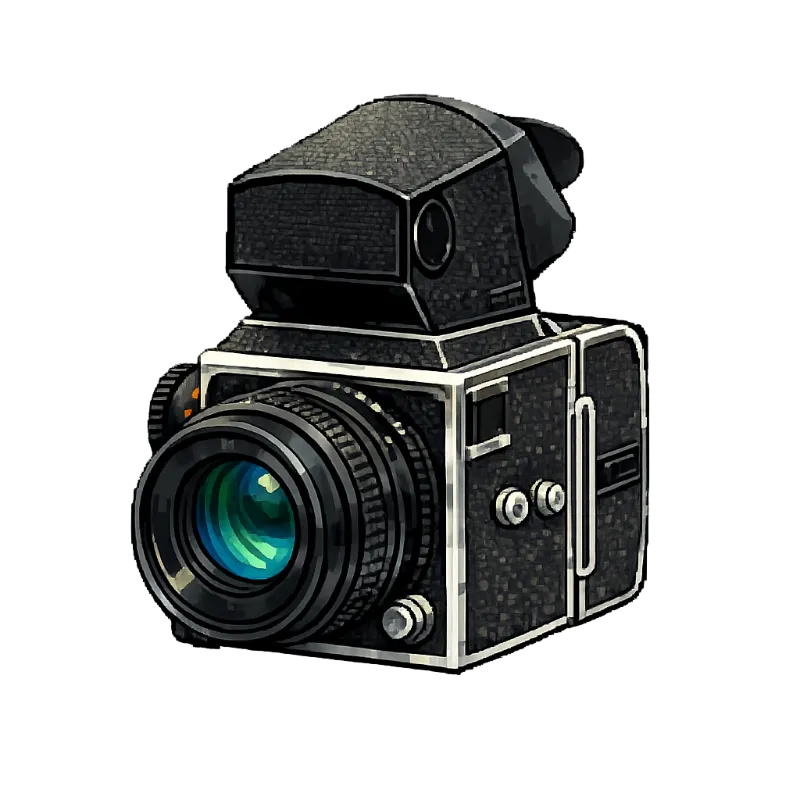
Medium format bodies that take film backs break the one-camera-one-roll assumption. Negativo handles that with backs, a Premium setting on the camera itself.
Turn backs on per camera
Edit the camera and enable interchangeable backs, then say how many the body has, anywhere from one to twenty. Nothing you already logged is lost when you switch it on.
Each back becomes its own slot with its own name, so Back 1 can hold colour negative while Back 2 holds black and white on the same body.
Loading and shooting with several backs
Move to the back you are about to shoot and load film there exactly as on a single-back camera: same searchable brand and stock, same frame count, same optional reference.
Shot logs, notes and finished rolls all stay attached to the back that held the film, so two half-shot rolls never blur into one confusing record.
Where this lives in the app
- Dashboard — edit a camera to enable backs — Sign in, then open this in the app.
- Subscription — Premium unlocks backs — Sign in, then open this in the app.